Driveroo in lime and black
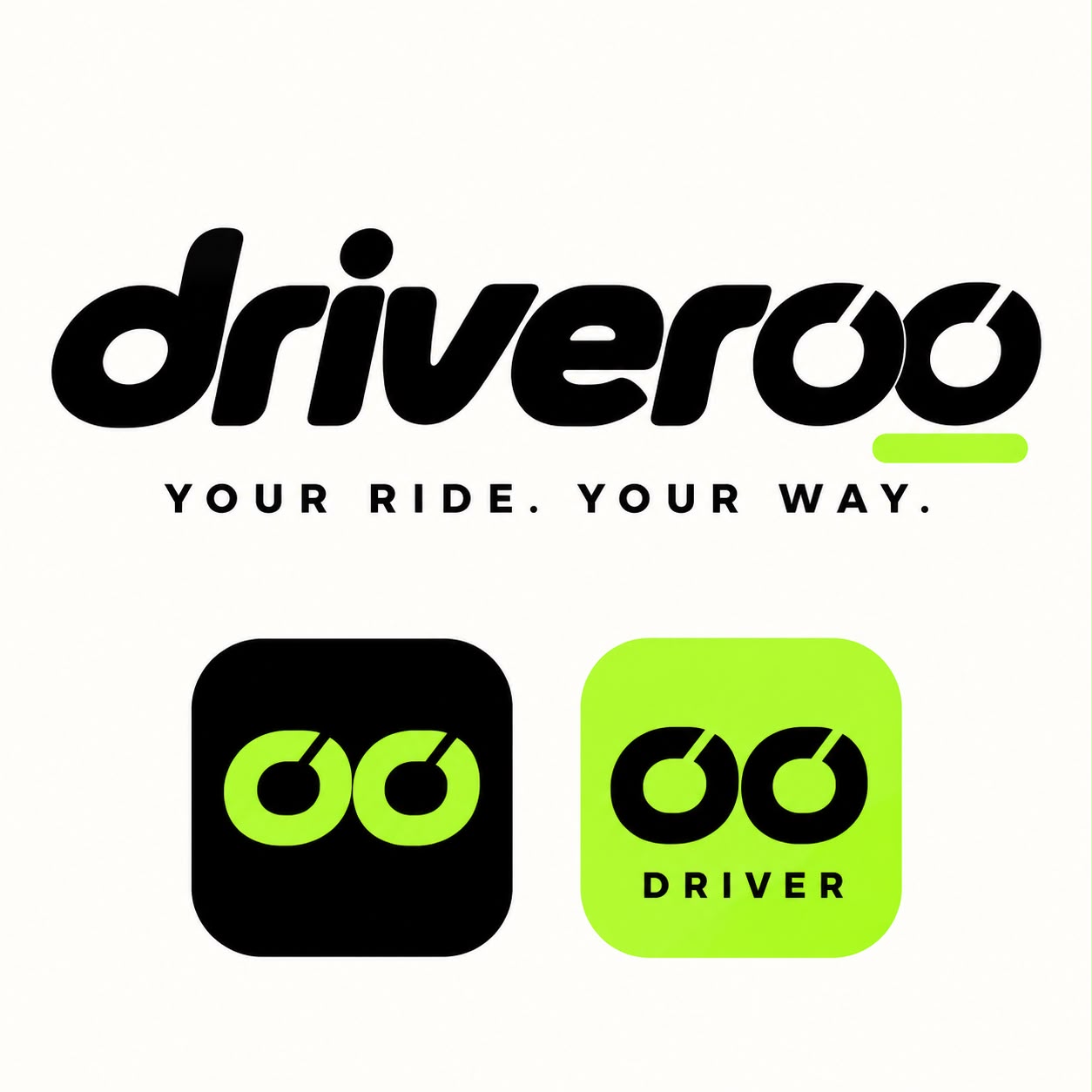
A preview of the Driveroo app design system in the colours of the Driveroo logo. Black does most of the work; lime marks the main button, the route on the map and anything selected. Use the switch to compare it with the green we used before your logo arrived.
Colour
Two layers. Primitives are the raw palette. Semantic colours say what a colour is for (button background, secondary text, pickup marker) and point at a primitive. Screens only use semantic colours. To rebrand, replace the brand ramp; the semantic layer and every screen update with it.
Primitives
Semantic (Light)
Typography
Fira Sans for everything you read and tap: a humanist face with open shapes, clear numbers and a narrow width, so long Perth addresses fit on small phones. Number plates, sign-in codes and timers use Atkinson Hyperlegible Mono, designed by the Braille Institute so 0 and O, 1 and I never look alike. That matters when a rider checks a plate in a hurry. Both are free Google Fonts, and each family is a single variable, so a client typeface can replace either one.
Spacing, corners and elevation
A 4-point spacing scale with a 20-point screen gutter. Touch targets are at least 44 points. Elevation is used for things that float over the map: controls, sheets, dialogs.
Icons
Lucide, 24-point grid, 2-point stroke, coloured by the text colour around them. One set across both apps.
Buttons
One primary action per screen. Large buttons are 52 points high and sit in the lower half of the screen within thumb reach. Danger is for cancelling a ride; it is never the default choice.
Inputs
Labels sit above the field and stay visible. Errors say what went wrong and how to fix it, in text as well as colour.
Lists and cards
List rows are at least 64 points high. Cards are only for things you choose between, like ride options.
Chips, badges and notices
Chips are choices (tip amounts, cancel reasons). Badges show a status and always carry a word, never colour alone. Notices explain a charge or a condition before it happens.
Map
The map art is a stylised placeholder of inner Perth. The app uses Google Maps with these colours applied as its map style. Pickup is a circle and drop-off is a square, so they read differently even without colour.
Sheets and dialogs
Bottom sheets carry the booking flow over the map. Dialogs are kept for decisions that cost money or can't be undone, such as cancelling with a fee.
Confirm your pickup
Move the map to put the pin where you'll wait.
Daniel is on the way
White Toyota Camry · arriving in 3 min
Cancel this ride?
Daniel accepted more than 2 minutes ago, so a $5.00 cancellation fee will be charged to your Visa ending 4242.
Empty, loading, error and offline
Every list and map screen has these four states. Loading uses placeholder shapes in the layout, not a spinner. Errors say what happened and offer one way forward.
No trips yet
After your first ride, your trips and receipts will show here.
We couldn't load your trips
Something went wrong on our side. Your trips are safe; try again in a moment.